

 Promotions
 Loyalty Program
 VIP Program
 Tournaments
 Payment Methods
 Providers
 Zoome Casino
 All Games
 Pokies
 Bonus Wagering
 Download App
 Jackpot Games
 Buy Bonus
 Hot
Hot New
New Live
Live Crash Games
 Install app and play more








 Contact support
 Find games, providers, etc.
Zoome Casino Login Process for Australians
Zoome casino’s doors are open to every casino games fan, and that’s why we have made it easy to register and start playing. There is no unreasonable barrier to entry; provided you are of age (18+ years of age) and have the funds to place a bet, you can create an account, deposit money and take pleasure in great casino games at casino Zoome.
Why You Should Log in to Zoome Casino
Speaking of gambling platforms, it’s always important to know what benefits they offer. What about Zoome?
- You will be able to try your luck at more than 8,000 games by creating your Zoome login credentials. Our collection includes all kinds of games, including pokies, blackjack variations, and special card games.
- You’ll adore our intuitive UI. Finding whatever you’re looking for is simple. And the customer service staff is always available to help in case of a problem.
- We handle payouts quickly. For instance, cryptocurrency payments are instant. Money will always arrive in your account quickly.
- The three-part Zoome Casino sign-up bonus is available to all new members. For those who enjoy placing large bets, there is also a high roller bonus. It’s also possible to boost your bankroll further with reload deals and promotions.
- Our multi-tiered VIP program is a trump. The VIP status rises with the number of real money games you play, leading to better tier rewards. They include increased withdrawal limits, a personal account manager, and much more.
How to Sign Up to Zoome Casino
The Zoome casino registration process only takes a couple of minutes. So, you won’t even notice when you become our esteemed member.
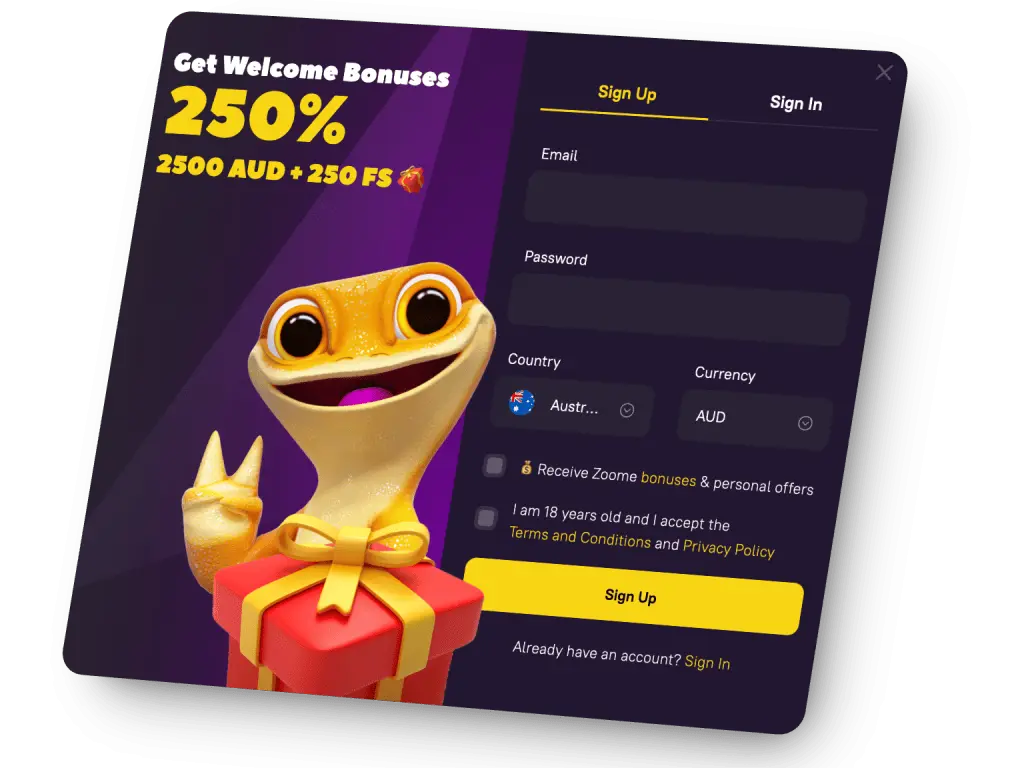
- You should start by pressing the “Sign Up” tab. This will launch the Zoome casino signup window.
- Also, you are to input your email and create an 8-character-plus password. Plus, it’s important to confirm the currency is set to AUD and that the country is Australia.
- Then, you are to tick the checkbox to agree to receive promotional deals, plus confirm you are 18+ years old.
- All that remains is to press “Sign Up” to submit your details.
You will get a confirmation email. Your next move is to click the verification link/button in the email to confirm your account.
Zoome Casino Australia Login Process
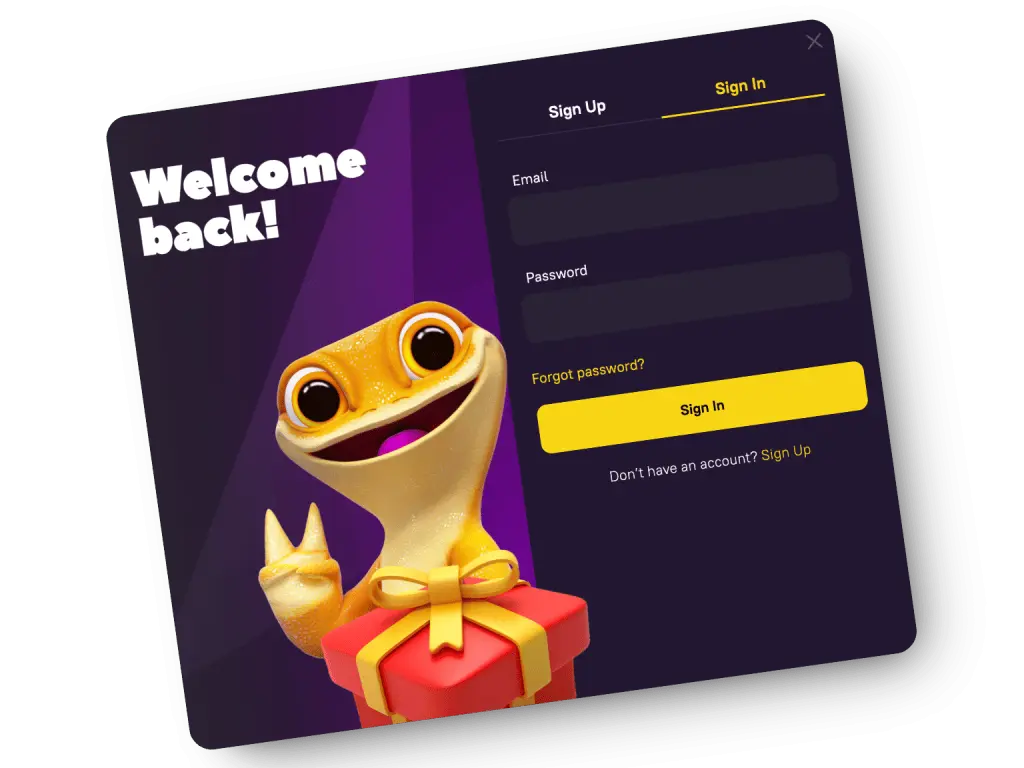
Getting started with your initial Zoome Casino login Australia is as easy as shelling peas. Actually, you need to complete the sign-in form with your email and password, and that’s it. In detail: when you visit our official website, you need to tap the “Sign In” icon at the top. As well, users will enter their Zoome login details (email and password). Finally, as soon as you submit these details, you can start using our virtual platform.
Account Verification after Zoome Casino Login Australia
KYC is definitely an essential stage of the sign-up process for any online casino that takes safety as seriously as Zoome. This process makes sure you are who you claim to be.
What do you have to do? It’s necessary to go to the “Profile” option on the left side of the bar. You can upload all the necessary documentation or just drag and drop it into the designated area.
These documents include the following:
- Scanned copies or photos of ID Cards to verify your identification.
- Copies of utility bills to prove your home address.
- Copies of payment methods to verify the banking methods.
When taking a photo of the ID card, each of the four edges of the card is fully visible. Don’t crop.
Normal daylight ensures that the lines and words are easily readable. In addition, you should use unexpired ID cards.
How to Get Zoome Casino Sign Up Bonus
Your Zoome casino welcome bonus consists of a 3-part welcome package. We’ll award you with up to AUD 3,000 and 250 free spins in total.
| Zoome Casino Welcome Bonus | Bonus Code | Bonus Offer | Wagering Requirement |
| 1st deposit bonus | FWB | 100% match offer of up to AUD 1,000 + 100 free spins | 40x |
| 2nd deposit bonus | SWB | 100% deposit bonus of up to AUD 500 + 50 free spins | 40x |
| 3rd deposit bonus | TWB | 50% deposit match offer of up to AUD 1,000 + 100 free spins | 40x |
You should consider some relevant terms to observe when claiming the welcome package for completing the Zoome login.